
Batch photo filters
Give a small set of photos the same color direction without repeating the export steps. Choose up to 10 photos, prepare them on your device and download one ZIP.
Apply one film look to a small set of photos, then download the finished images in a ZIP.
Up to 10 photos and 80 MB total; 20 MB per photo. Photos are processed one at a time.
Processed on your device. No photo uploads.
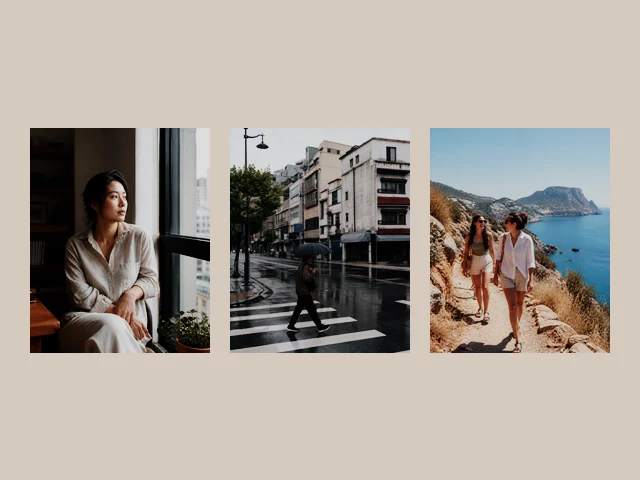
One look across a small set
Choose from the same built-in film looks as the photo studio, including Fuji-inspired LUTs, Kodak-inspired recipes, black and white, and retro effects. Strength is shared across the batch. Because different lighting produces different results, inspect the first preview and keep mixed-light batches small.
Choose an output that suits the whole batch
The longest-edge options are 1600, 2048 and 2560 pixels; smaller photos are not enlarged. Every photo keeps its own aspect ratio. JPG gives compact files and fills transparent areas with white; PNG retains alpha, while WebP offers another browser-supported image format. Processing uses sRGB SDR, not RAW or HDR development.
A bounded local queue, with a useful cancel
Select up to 10 photos, 20 MB each and 80 MB combined. Images are decoded and processed sequentially, rather than keeping ten full-size canvases open. Cancel stops the remaining work and leaves completed files available. The output archive is also capped at 80 MB. No sign-up or photo upload is required.
How to use this tool
1. Choose a group
Select supported photos from your device. Keep similarly lit images together.
2. Set the shared look
Pick a filter, strength, longest edge and output format. The preview uses the first photo.
3. Prepare, then download
Prepare the queue and download the completed images as a ZIP. If a photo fails, the ready images remain available.
Questions before you export
- Does each photo keep its own proportions?
- Yes. The longest-edge option scales down large images without cropping or stretching them. Small originals are not enlarged.
- Can I batch a custom LUT or individual crops?
- This batch tool uses built-in looks and one shared strength. Use the photo studio for custom LUT imports, individual crop, date stamps and separate color adjustments.
- What happens if I cancel or one photo fails?
- Cancel stops the remaining work. Completed images stay ready for ZIP download. A failed image is skipped so the rest can finish; no source files are changed.