FilmFX

Fujifilm-inspired filter collection

Fujifilm filter online, with quiet, deliberate color.

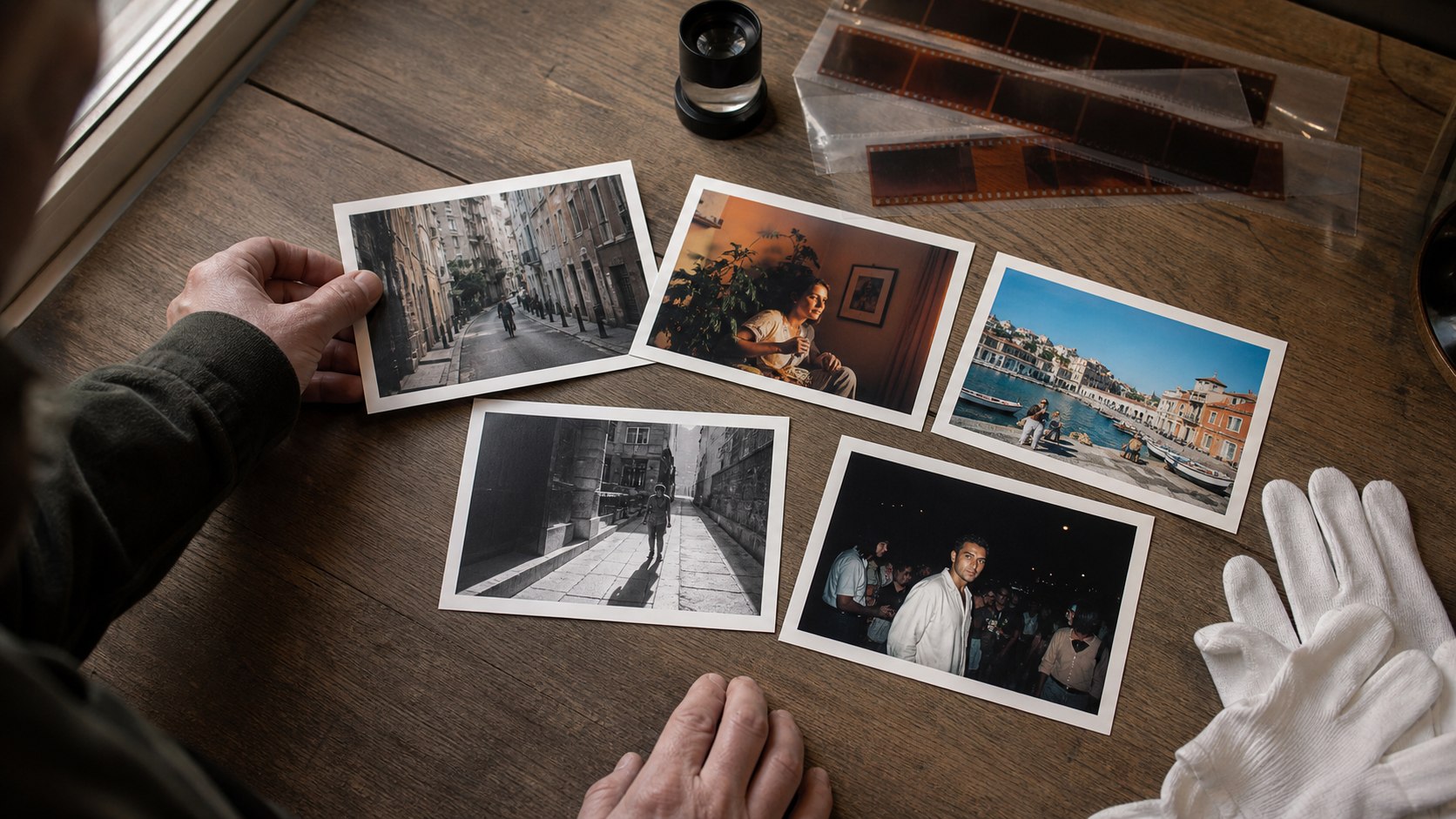
Begin with restrained documentary color, then compare softer portrait, vivid travel, cinema, nostalgic-negative, and monochrome interpretations from the Fujifilm-inspired category.

Changes show up liveYour photo stays on your deviceTry the sample photo

Different scenes need different color decisions.

Muted documentary color can simplify a busy street, while a softer recipe protects skin and pale fabric. Vivid color belongs with landscapes and clear daylight; cinema-style color is often more convincing when the scene already has controlled light.

These browser-rendered looks are intended for finished photos. They are not camera profiles and will not match every in-camera JPEG exactly, because your source file, white balance, exposure, and browser color pipeline are different.


A simple way to use this filter

  1. 01

    Choose a familiar frame

    Use a photo whose skin tones, whites, and shadows you already know. It makes color shifts easier to judge.

  2. 02

    Start below full strength

    Try roughly 70–80%, then drag the comparison line across faces, highlights, and the darkest important detail.

  3. 03

    Export for where it will live

    Choose JPG, PNG, or WebP, keep sRGB for the widest compatibility, and use Display P3 only when your browser and destination support it.

Questions worth answering first

FilmFX is independent and is not affiliated with or endorsed by Fujifilm, Kodak, or another film manufacturer. Brand names are used descriptively, and browser results can differ from camera output.

What does a Fujifilm-inspired filter collection look do to a photo?+

The selected Classic Chrome–inspired recipe restrains color and gives shadows a cooler documentary weight. The wider collection includes softer portrait, vivid, cinema, nostalgic, and monochrome directions.

Does FilmFX upload my photo?+

No. The editor processes pixels locally in your browser. Your photo is not sent to FilmFX or stored on our servers.

Is the editor free and does it add a watermark?+

The current editor is free, requires no account, and exports without a FilmFX watermark.