
Color is only part of the look.
Each recipe also changes how bright areas roll off, how shadows sit, and where grain appears. Those small choices matter more than a heavy tint.
Free film looks. Nothing gets uploaded
A film filter online, free to use and private by design. Drop in a photo, pick a look and drag across the image to see what changed. Downloads have no watermark.
What the preset is actually doing
FilmFX adjusts contrast, color, highlights, shadows, grain, and vignette together. If a look feels too strong, pull it back—the photograph should still lead.
Color is only part of the look.
Each recipe also changes how bright areas roll off, how shadows sit, and where grain appears. Those small choices matter more than a heavy tint.
The file stays with you.
The browser does the pixel work on your device. FilmFX never receives the photo or keeps a server copy.
No upload queue.
Switch looks and adjust the strength as you watch, on a computer or a phone.
Look at faces and skies first.
Drag the divider over skin, bright clouds, and dark clothing. Those areas quickly show when a preset has gone too far.
Start with the scene
A cloudy street, a window portrait, and a direct-flash party need different treatment. Start with the subject and light; the preset name comes second.
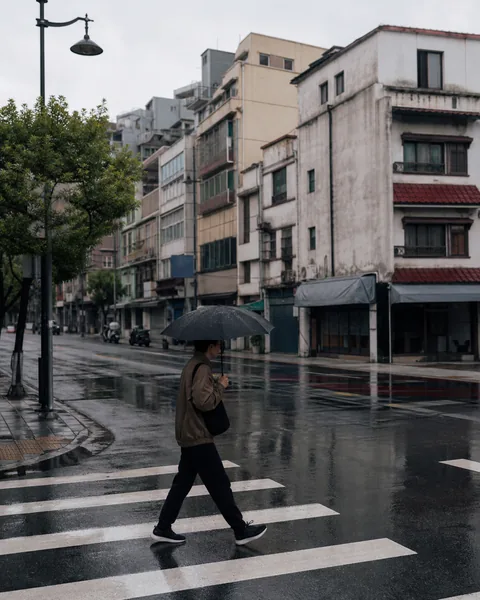
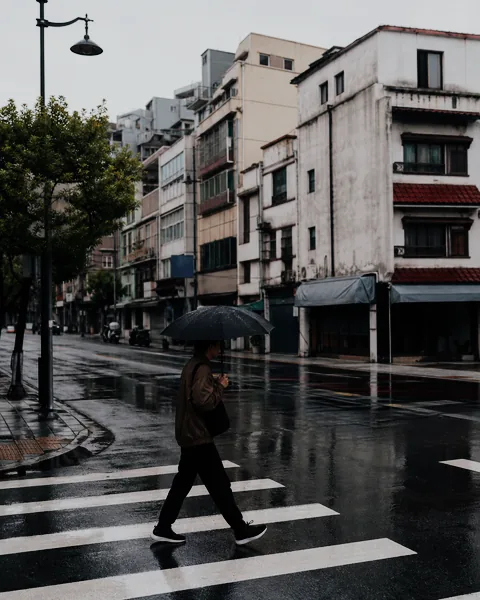
Quieter color and cooler shadows help signs, cars, and clothes sit in the same frame.


Gentle contrast keeps skin believable and gives bright window light somewhere to go.


Clear blues and stronger color work when the original already has clean sunlight and good exposure.
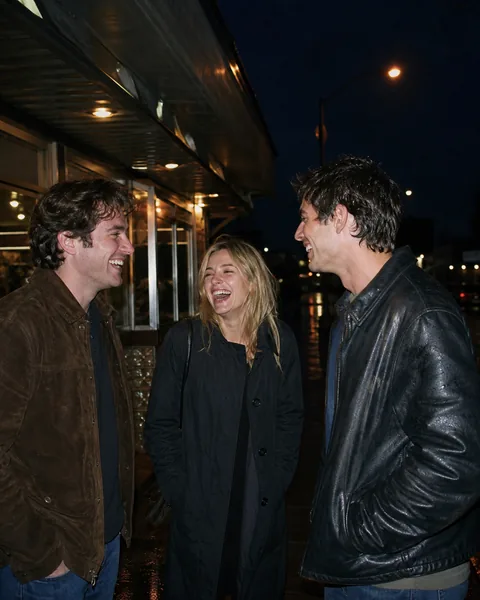
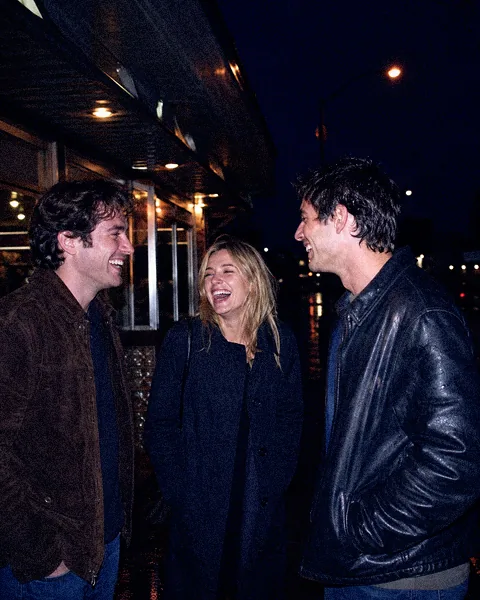
Cool shadows and visible grain suit direct flash, wet streets, and the messiness of a good night out.
These cards are a quick visual guide. Use the studio above to judge the full recipe on your own photo.
The whole workflow
There is no project to set up and no account to create. Most photos take less time than choosing a caption.
Choose a JPG, PNG, WebP, AVIF, HEIC, or HEIF. You can also drag it in or paste from the clipboard.
Start with the scene: portrait, daylight, night, black-and-white, or something deliberately strange. Then adjust the strength.
Save a JPG, PNG, or WebP at the size you need. There is no FilmFX watermark.
Short, practical guides on light, exposure, composition, color, and film-inspired editing.
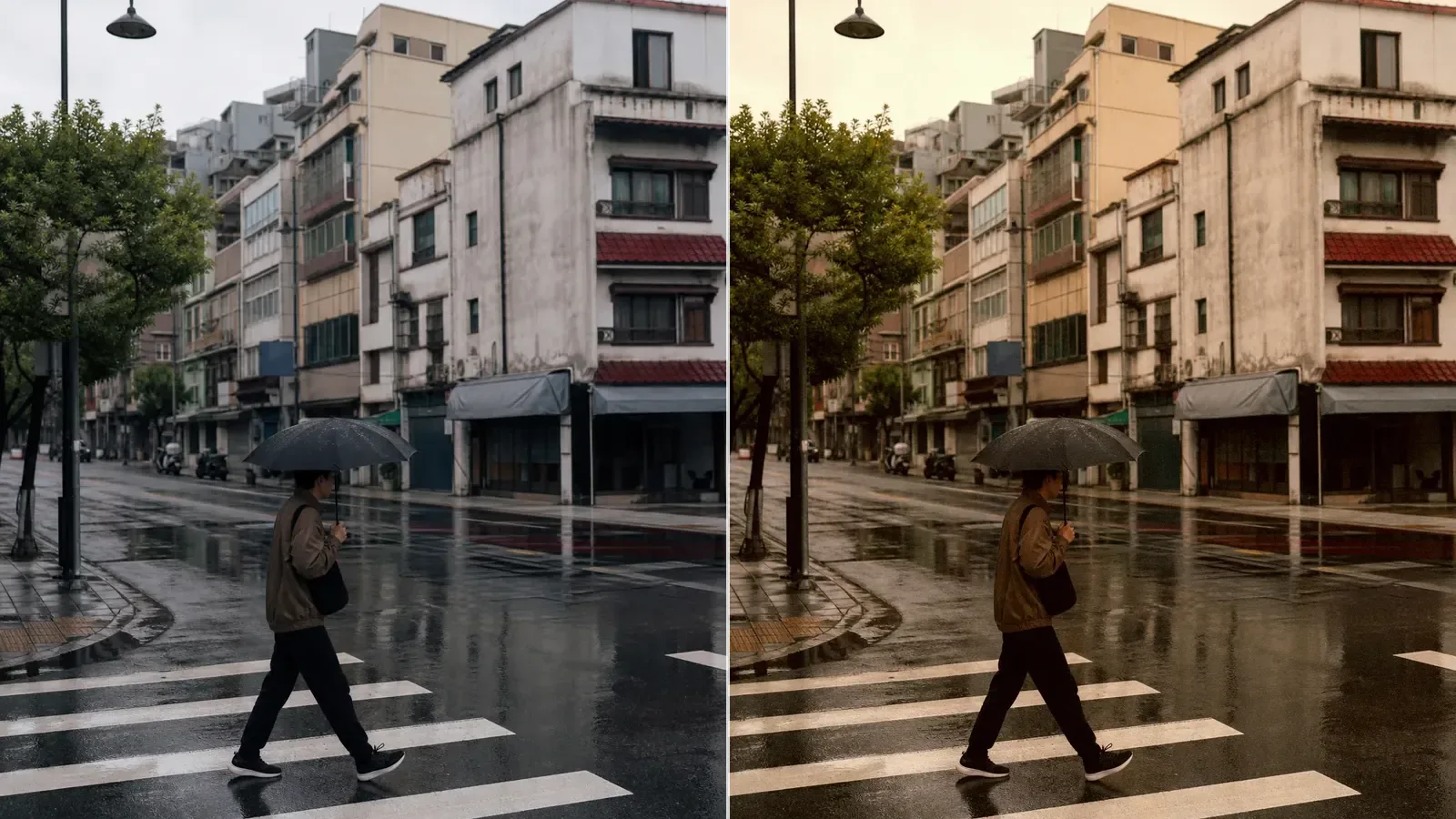
Build a believable 35mm film look with better source light, restrained contrast, color separation, grain, and filter strength.
 FilmFX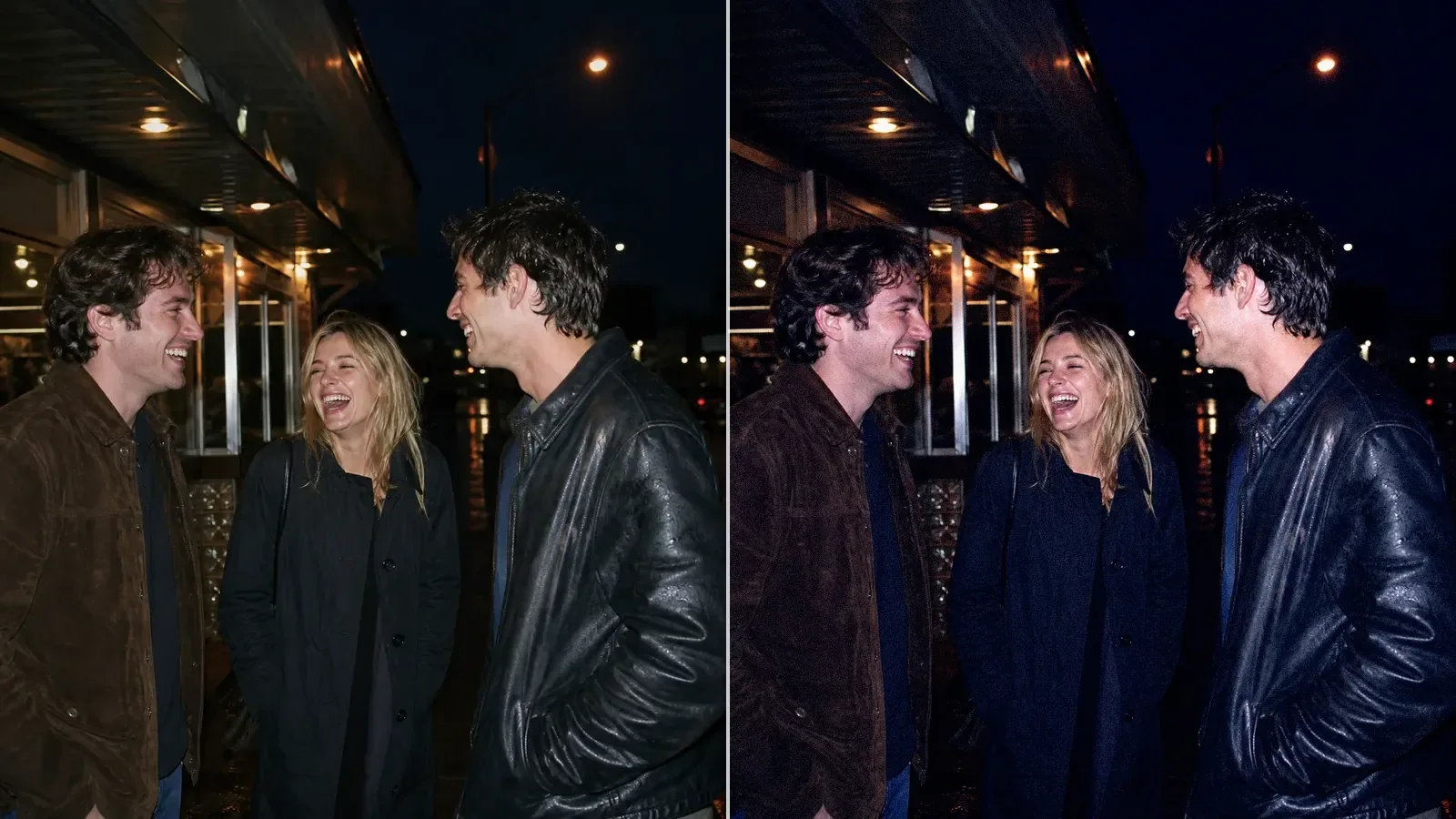
Create a convincing 90s direct-flash look by getting the light right first, then shaping contrast, color, grain, and falloff.
FilmFX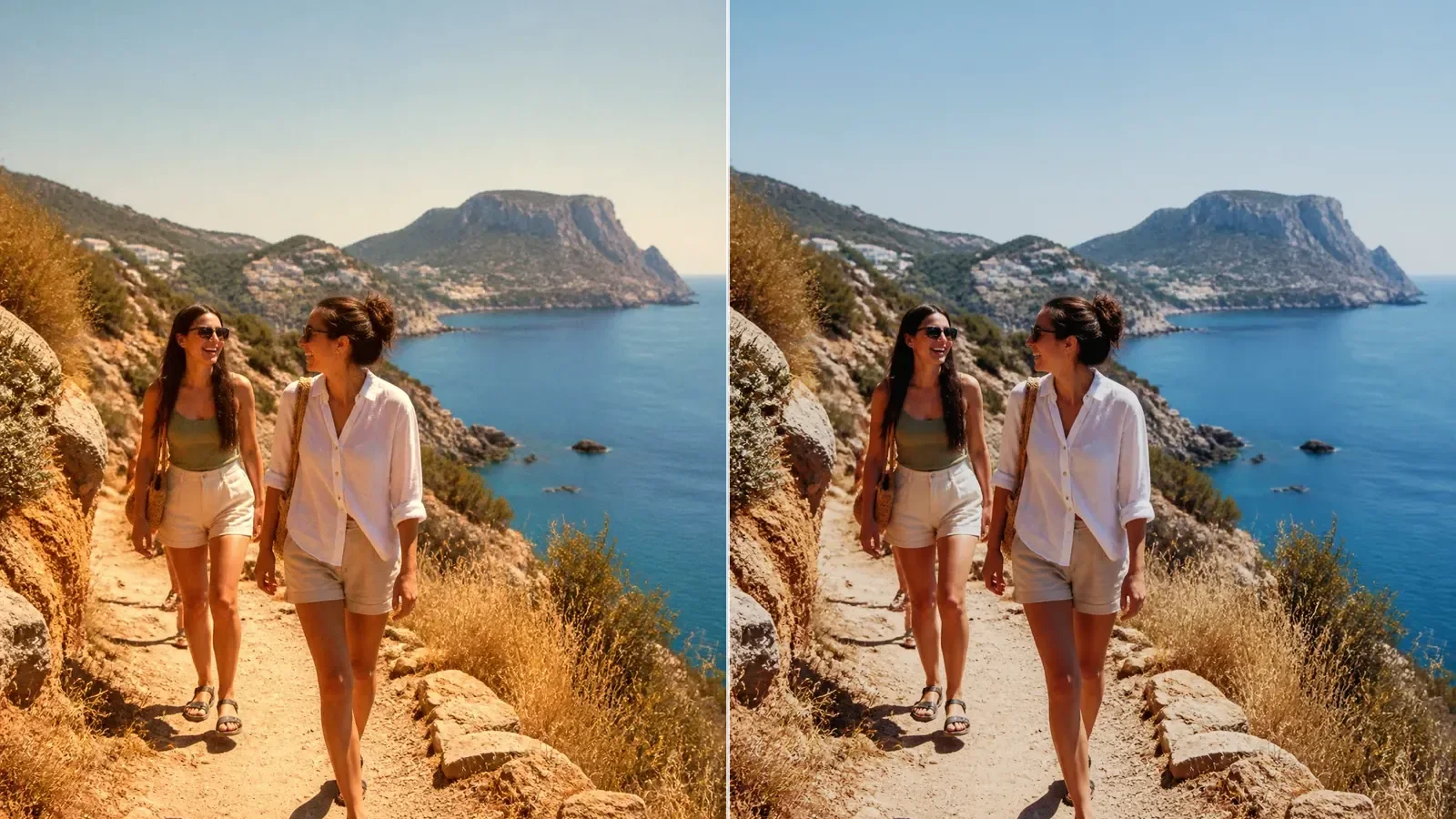
Compare Kodak- and Fujifilm-inspired color without relying on brand shorthand. Learn what to inspect in skin, greens, highlights, and shadows.
FilmFXBefore you start
The things worth knowing before you open a large file, switch color spaces, or import a LUT.
Try it on a photo you know well
Start around 70%, compare faces and bright areas, and stop before the preset becomes the subject.