FilmFX

Analog film filter online

Analog film filter online, without the darkroom.

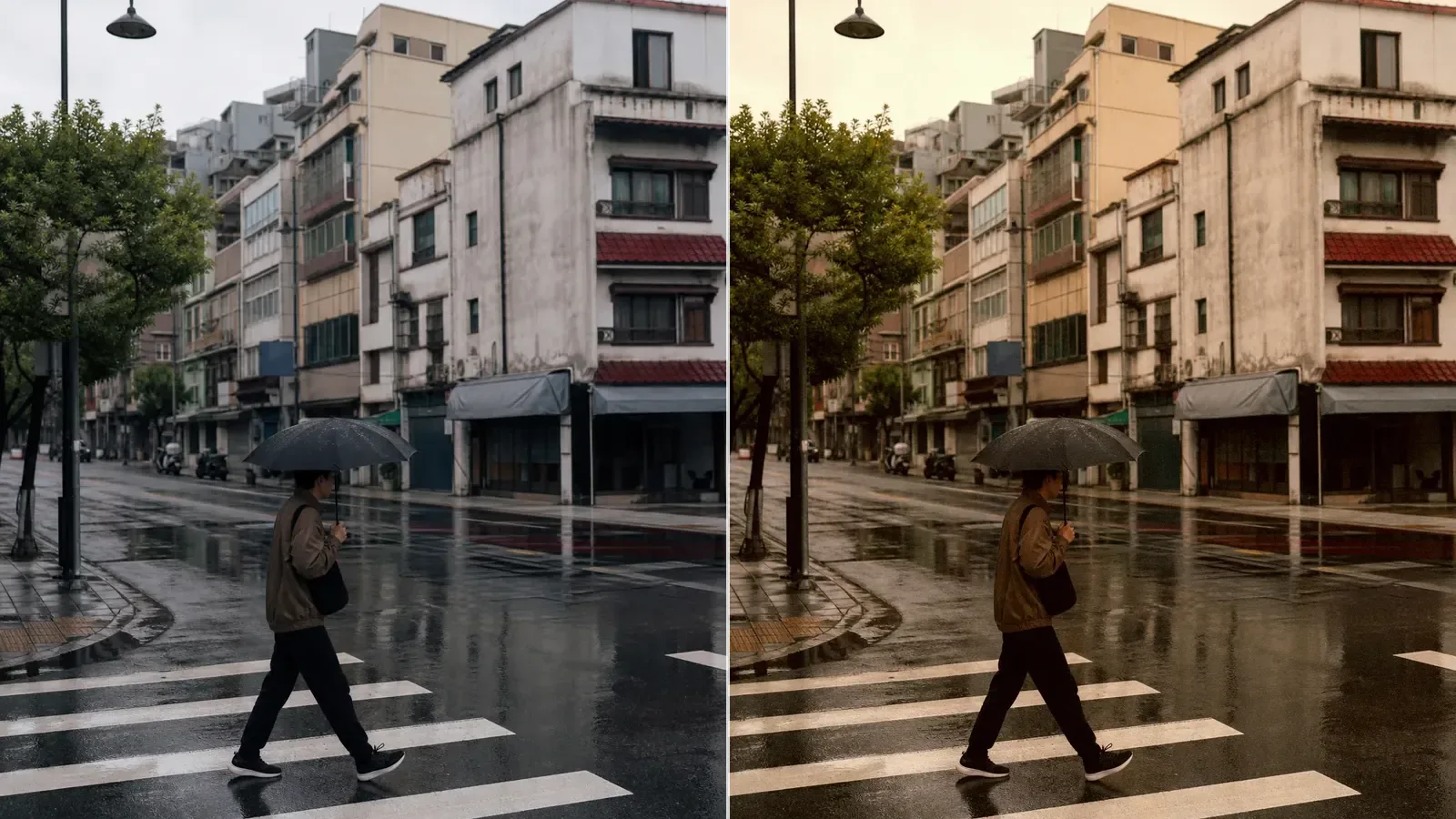
A flexible place to begin when a digital file feels too polished. The default look holds color back, softens the brightest areas, and gives shadows a quieter documentary weight.

Changes show up liveYour photo stays on your deviceTry the sample photo

What makes an analog look feel believable?

The convincing part is rarely one dramatic effect. It is the way contrast, color separation, highlight roll-off, grain, and a small amount of fading agree with one another. If any one of them shouts, the photograph starts to look processed instead of photographed.

FilmFX begins with a restrained recipe and lets you pull the whole treatment back with one intensity control. Use the before-and-after line on skin, pale walls, and deep foliage; those areas reveal exaggerated color quickest.
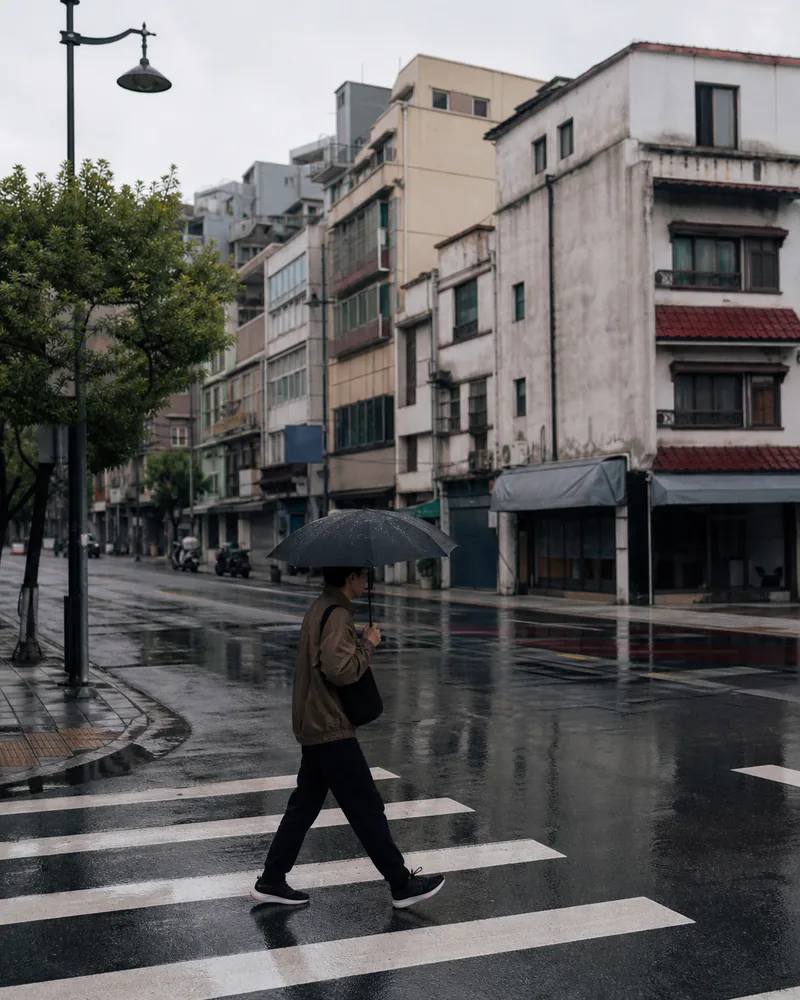
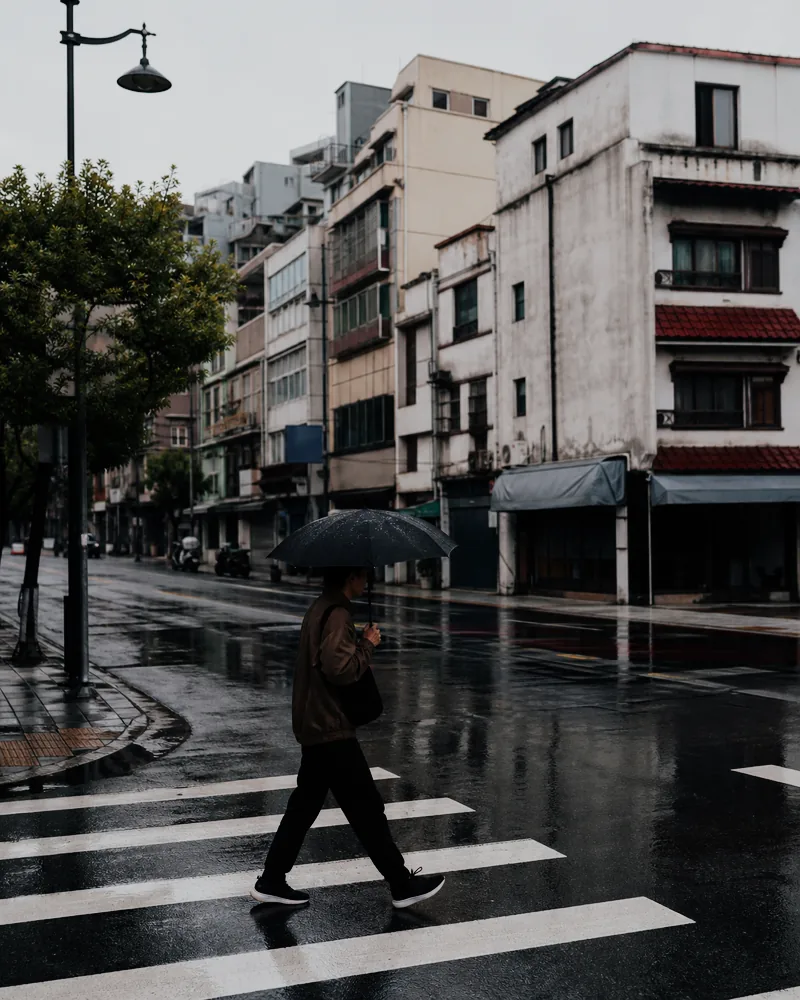
A real before-and-after from this filter

This example uses the same starting preset loaded in the editor above at 82% strength. Compare the source and processed files before testing the look on your own photo.

A person with a dark umbrella crosses a wet zebra crossing on an overcast city street.
Original
The rainy umbrella street after a muted analog film treatment with softer color and restrained contrast.
Filtered result

How to keep an analog edit believable

  1. 01

    Choose a photograph with room to move

    Use a frame whose brightest important areas still contain detail. A filter can shape existing light, but it cannot rebuild clipped windows or skin.

  2. 02

    Begin with the quieter reference

    Start with Classic Chrome below full strength, then compare faces, pale walls, foliage, and deep shadows against the original.

  3. 03

    Keep only the changes that agree

    Lower the intensity if color, fade, or contrast starts drawing more attention than the subject, then export at the size you actually need.

Questions worth answering first

FilmFX is independent and is not affiliated with or endorsed by Fujifilm, Kodak, or another film manufacturer. Brand names are used descriptively, and browser results can differ from camera output.

What does a Analog film filter online look do to a photo?+

It usually reduces the clinical clarity of a digital file by coordinating gentler highlights, shaped contrast, restrained color, grain, and a subtle fade. The exact result still depends on the light and white balance in the original photo.

Which photos usually suit an analog film look?+

Soft daylight portraits, travel photographs, and street scenes with busy color are useful starting points. Very warm indoor files or already-crushed shadows usually need a gentler setting.

Can this reproduce one exact film stock or lab scan?+

No. The result is a film-inspired browser rendering applied to a finished image. The original exposure, white balance, lens, processing, and scan all affect how real film would look.