FilmFX

80s photo filter online

80s photo filter online, without the costume-party clichés.

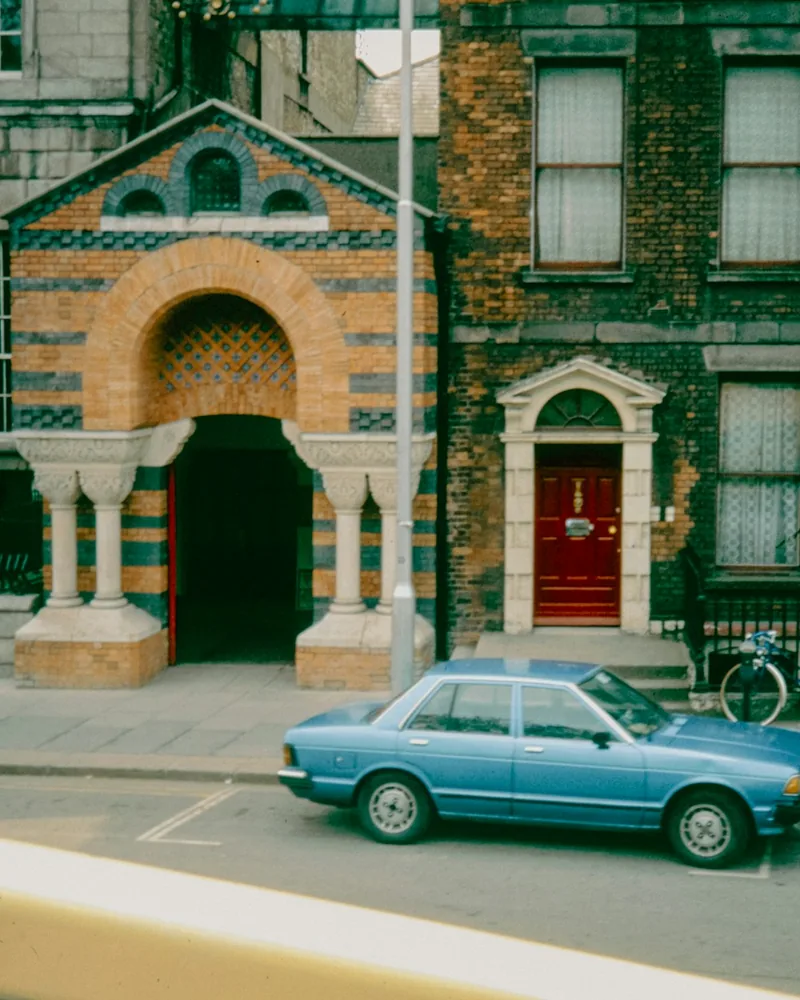
Hard daylight, slide-like contrast, and a measured cross-processed color shift bring back the decade's graphic energy without adding fake date stamps or neon borders.

Changes show up liveYour photo stays on your deviceTry the sample photo

The eighties were never one color palette.

Family prints, fashion editorials, concert photographs, and transparency film all carried different color. What ties the most recognizable frames together is confident contrast, clear color separation, and a willingness to let reds, greens, or warm highlights lead.

The selected Cross Process recipe pushes green into the shadows and warmth into the highlights. It is deliberately opinionated, so neutral walls, white clothing, and skin are the quickest reality check. If those areas become the whole story, lower the strength.

A simple way to use this filter

  1. 01

    Choose a familiar frame

    Use a photo whose skin tones, whites, and shadows you already know. It makes color shifts easier to judge.

  2. 02

    Start below full strength

    Try roughly 70–80%, then drag the comparison line across faces, highlights, and the darkest important detail.

  3. 03

    Export for where it will live

    Choose JPG, PNG, or WebP, keep sRGB for the widest compatibility, and use Display P3 only when your browser and destination support it.

Questions worth answering first

FilmFX is independent and is not affiliated with or endorsed by Fujifilm, Kodak, or another film manufacturer. Brand names are used descriptively, and browser results can differ from camera output.

What does a 80s photo filter online look do to a photo?+

This look uses firm slide-like contrast, lively color separation, and a restrained cross-processed shift rather than decorative 1980s graphics. The result is strongest on simple light and already-confident color.

Does FilmFX upload my photo?+

No. The editor processes pixels locally in your browser. Your photo is not sent to FilmFX or stored on our servers.

Is the editor free and does it add a watermark?+

The current editor is free, requires no account, and exports without a FilmFX watermark.