FilmFX

90s photo filter online, one blunt flash at a time.

This 90s flash filter combines cool shadows, dense blacks, obvious grain, and the quick falloff of a small on-camera flash. It suits parties, bedrooms, late trains, and the photographs nobody paused to arrange.

Try the sample photoYour photo stays on your device

Separate direct flash from digital nostalgia

The examples compare color and texture. For an actual 90s flash look, choose an original with a nearby flash-lit subject and a darker background.

Reference: 82% strength, neutral color adjustments, no extra grain or vignette. The preset’s own tone and texture remain.

The same daylight portrait of a woman in a denim jacket, seated on a bench, with this film-inspired preset applied.

Night Flash ’99: rougher contrast

Try this on a party or night snapshot that already contains direct flash. Keep extra grain at zero first, then check whether small facial details survive.

What to check: The preset cannot invent flash shadows or a dark background. On daylight photos it changes the grade, not the lighting geometry.


The same daylight portrait of a woman in a denim jacket, seated on a bench, with this film-inspired preset applied.

Pocket Flash 2004: compare the compact look

Compare Pocket Flash at the same 82% strength. Judge skin, highlights and the darker part of the frame before adding a date stamp.

What to check: A date stamp is a separate decoration, not evidence of the original capture date. Enter a date you actually intend to display.

The same daylight portrait of a woman in a denim jacket, seated on a bench, with this film-inspired preset applied.

Digicam Daylight: a brighter alternative

For a daylight snapshot, compare the brighter early-digital direction instead of forcing a night-flash recipe. Check sky and foliage as well as the face.

What to check: This is early-digital nostalgia rather than a 90s film-stock simulation. Choose it for the result, not because the eras are interchangeable.

Try applies the preset and strength to your current photo. Your crop and other adjustments stay as they are; reset adjustments for a clean comparison.

The useful part is the immediacy, not the nostalgia prop.

A familiar 1990s snapshot often combines direct flash, inexpensive print color, dark surroundings, and a foreground subject that feels almost too close. The imperfections make the frame immediate because they belong to the way it was lit, not because a date stamp was added later.

Night Flash ’99 works best when the source already has direct flash: a bright subject and a darker background. Lower strength if faces become too warm. This is a film-era color direction. For early-digital softness, limited tones or an old-phone effect, compare the separate 2000s Photo page instead of adding more grain here.

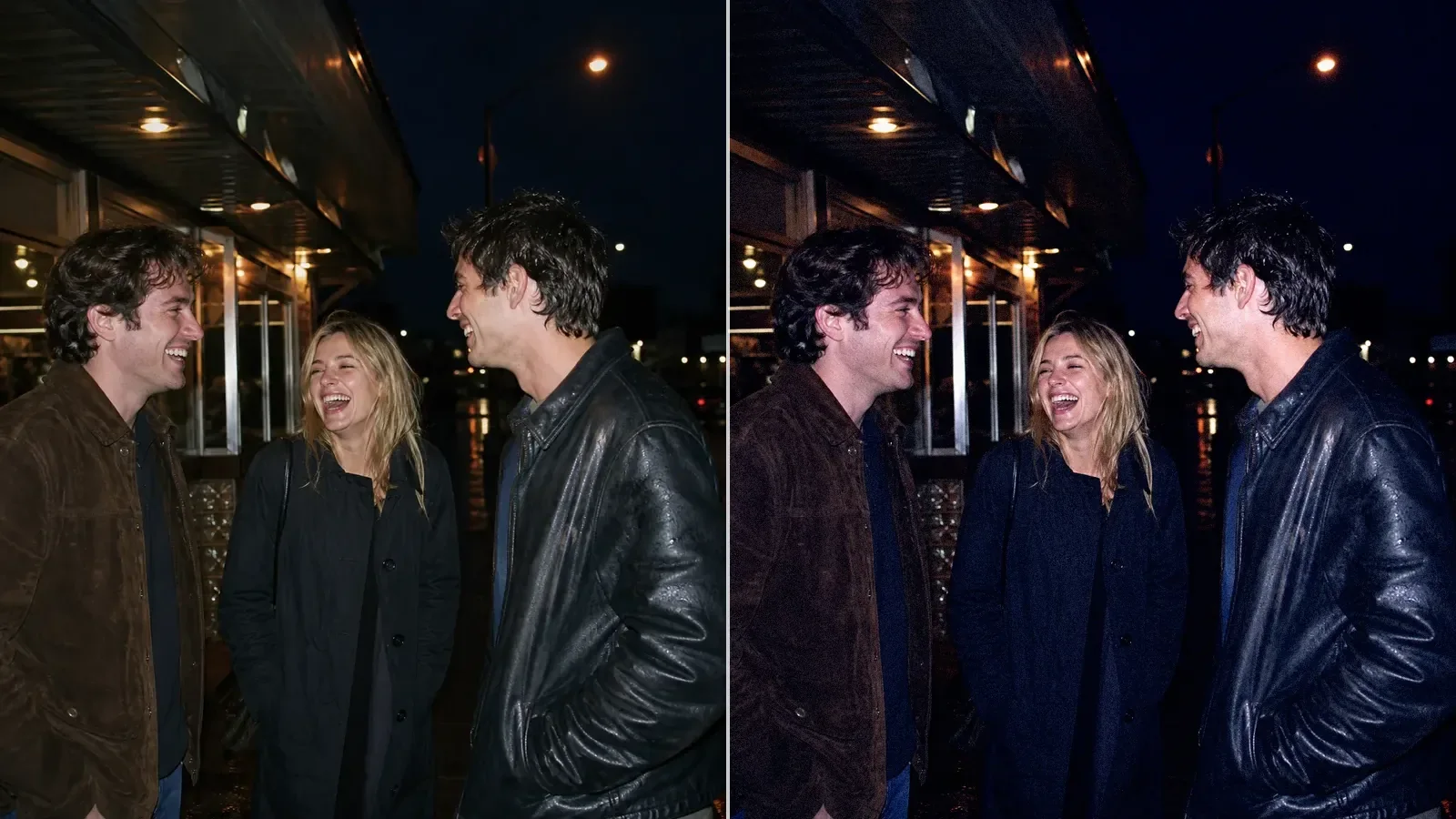
A real before-and-after from this filter

This comparison uses the starting preset at 82% strength, matching this page’s studio entry. Compare the same source before trying your own photo.

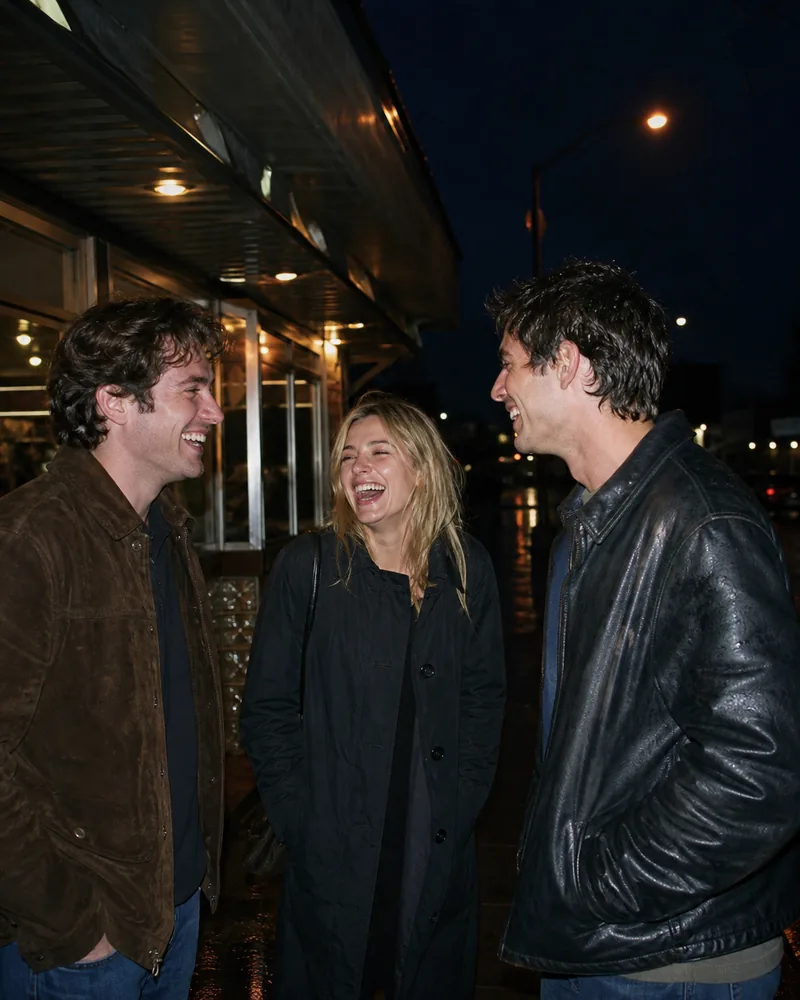
Three friends laugh together outdoors at night under direct camera flash.
Original
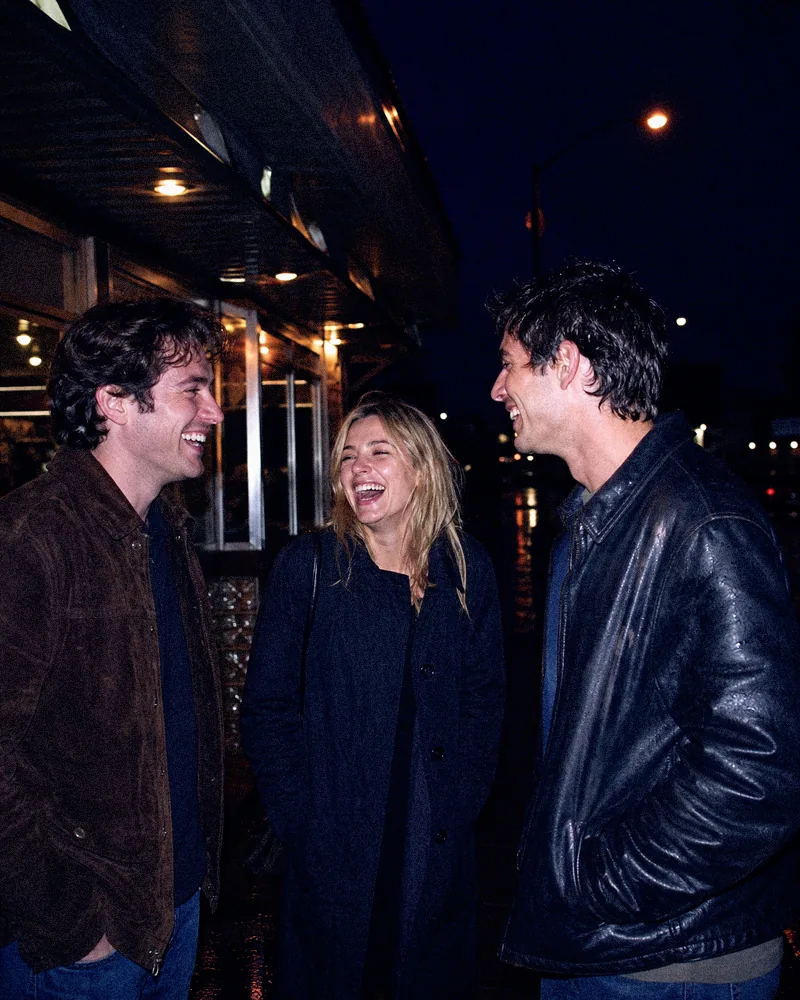
The same night portrait after a cool 90s flash treatment with dense blacks and visible grain.
Filtered result

Choose the next step for this image

Keep editing the photo, or use a separate tool when you need a texture file, a paper frame or several finished images.

Build a 90s flash look from light that is already there

  1. 01

    Choose direct or nearby light

    Party frames, bedroom snapshots, and night street photos with a bright foreground subject give the treatment a believable starting point.

  2. 02

    Add Night Flash '99 in stages

    Begin below full strength and watch cool shadows, dense blacks, skin, and grain together. Daylight photos usually need a gentler setting.

  3. 03

    Check the brightest facial detail

    Move the divider across eyes, teeth, forehead, and pale clothes. Keep the blunt flash character without accepting featureless white patches.

Questions worth answering first

FilmFX is independent and is not affiliated with or endorsed by Fujifilm, Kodak, or another film manufacturer. Brand names are used descriptively, and browser results can differ from camera output.

What does a 90s photo filter online look do to a photo?+

The selected look combines cool flash-era shadows, dense blacks, compact-camera color, and visible grain. It responds best to photographs that already contain direct light and an informal, close-up point of view.

Can the 90s filter create real direct flash?+

It can reinforce cool flash-era color, contrast, grain, and foreground brightness, but it cannot invent physically correct flash shadows or falloff in a softly lit source.

Can I use the 90s look on a daylight photo?+

Yes, at a lower strength. It will read more like compact-camera color and texture than a night-flash exposure when the original scene has broad daylight.