FilmFX

Disposable camera filter online, without wasting a roll.

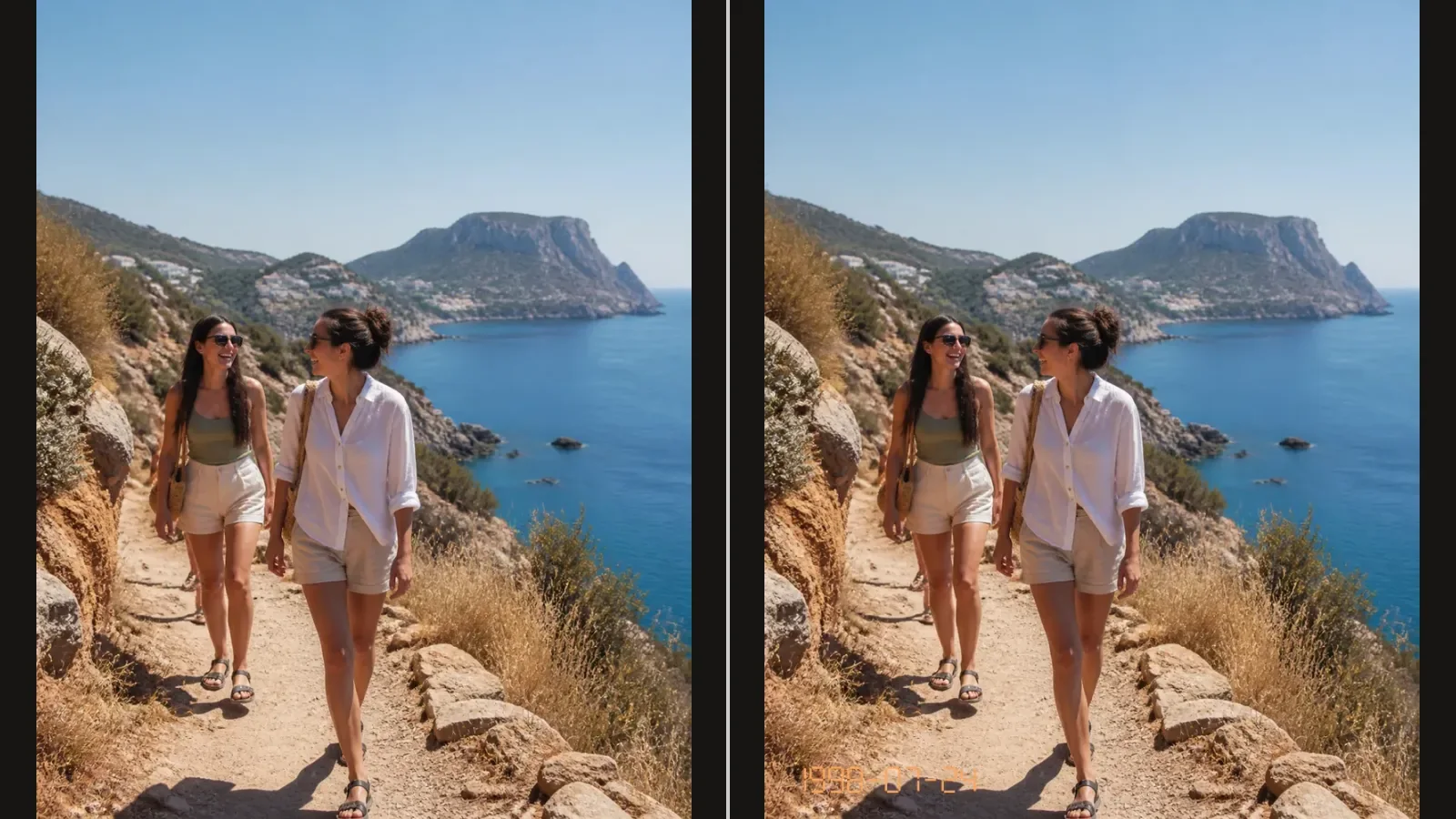
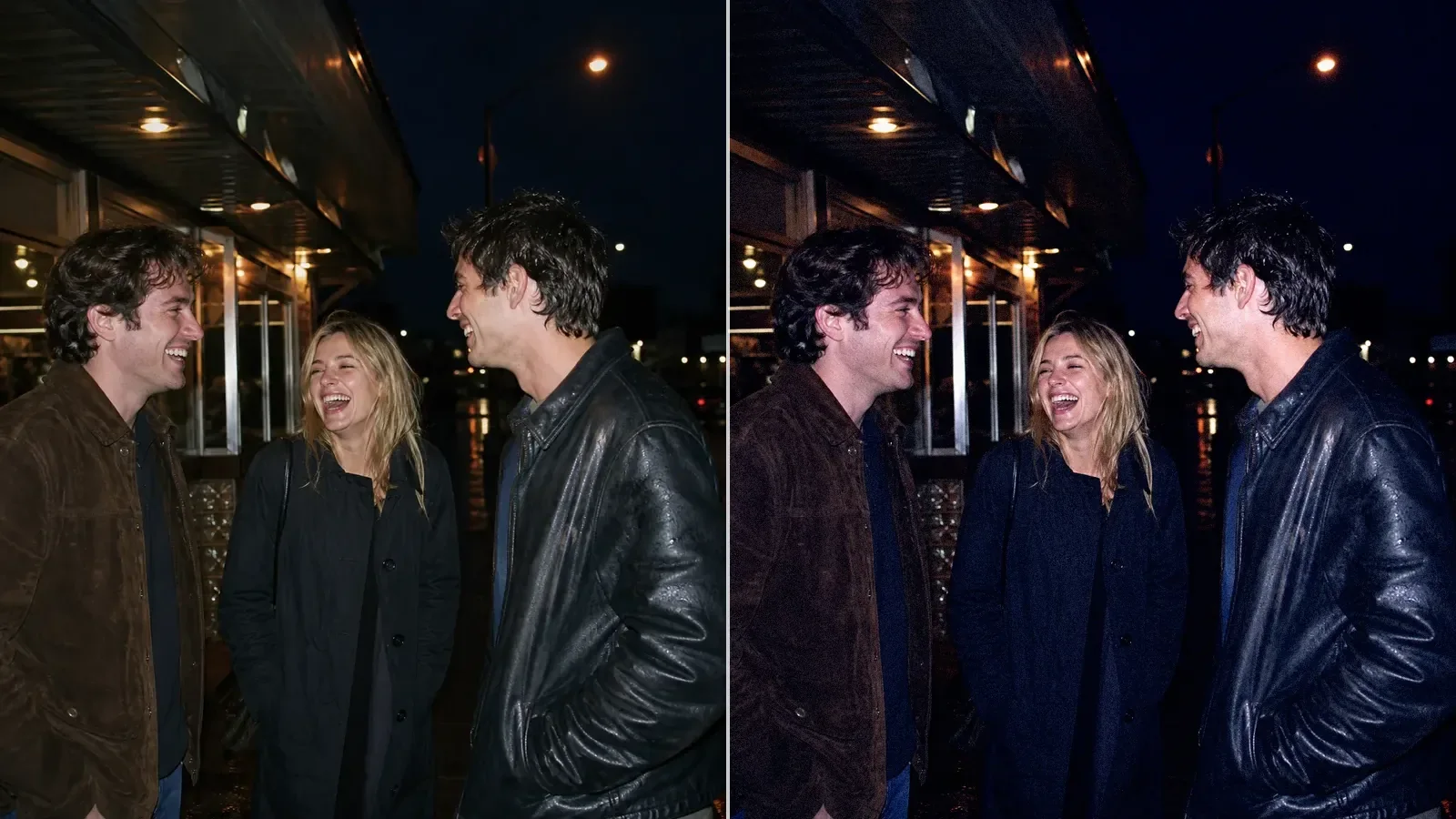
Give a candid snapshot a disposable camera effect: lively color, firm contrast and coarse grain. The studio opens with Pocket Flash selected. Try it on an existing flash photo, or turn the strength down for daylight.

Try the sample photoYour photo stays on your device

One disposable-camera look, two kinds of light.

For a night snapshot, start with an image that already has direct flash: a bright nearby face, a darker room and a quick falloff behind the subject. Pocket Flash adds color and texture to those cues. It cannot invent a flash shadow or relight a softly lit face.

Daylight disposables look different. On a beach, a walk or a family outing, try Pocket Flash at lower strength, or compare Gold 200 for warmer color without the same flash emphasis. An optional orange date stamp can finish an album-style edit, but it is not part of the filter and is never added automatically.


A real before-and-after from this filter

This comparison uses the starting preset at 82% strength, matching this page’s studio entry. Compare the same source before trying your own photo.

Several hands raise colorful cocktails together around a table at an indoor party.
Original
The party snapshot after a punchy disposable-camera treatment with hard-flash color and coarse grain.
Filtered result

Make a disposable-camera edit from believable light

  1. 01

    Choose a frame with nearby light

    Direct flash, frontal light, or a bright foreground subject gives the compact-camera treatment a physical cue it can reinforce.

  2. 02

    Add Pocket Flash carefully

    Start below full strength. Let the color and coarse texture feel unruly, but keep useful detail in faces and light clothing.

  3. 03

    Check faces, then finish the copy

    Compare faces and light clothing before downloading. Add an optional date stamp if it belongs in your album, checking the date manually. Leave it off for a clean photo.

Questions worth answering first

FilmFX is independent and is not affiliated with or endorsed by Fujifilm, Kodak, or another film manufacturer. Brand names are used descriptively, and browser results can differ from camera output.

What does a Disposable camera filter online look do to a photo?+

It adds the visual cues people associate with a compact single-use camera: direct-flash brightness, darker surroundings, lively color, coarse grain, and firm contrast. Photos with close, frontal light respond most naturally.

Can the filter create realistic flash on a softly lit photo?+

Not completely. It can add compact-camera color, contrast, grain, and brighter foreground cues, but it cannot reconstruct the direction, shadow, and falloff of light that was never present.

Can I use the disposable look on daylight photos?+

Yes, but a lower intensity usually reads better. In daylight, treat it as lively compact-camera color rather than an attempt to imitate a night flash exposure.