FilmFX

Black and white filter online

Black and white filter online, with room between the grays.

A fine-grained Acros-inspired starting point for photographs whose light, gesture, texture, or geometry matters more than their color.

Changes show up liveYour photo stays on your deviceTry the sample photo

Removing color is the beginning, not the whole edit.

Two colors that look separate can become the same gray. A useful monochrome treatment preserves enough tonal distance for the subject to stay readable, then decides how deep the blacks, bright the skin, and visible the grain should be.

The selected Acros-inspired recipe favors fine texture and a deep but controlled scale. Compare it with the red-filter variant for brighter skin and darker skies, or with Tri-X and T-Max interpretations when you want rougher or cleaner grain.
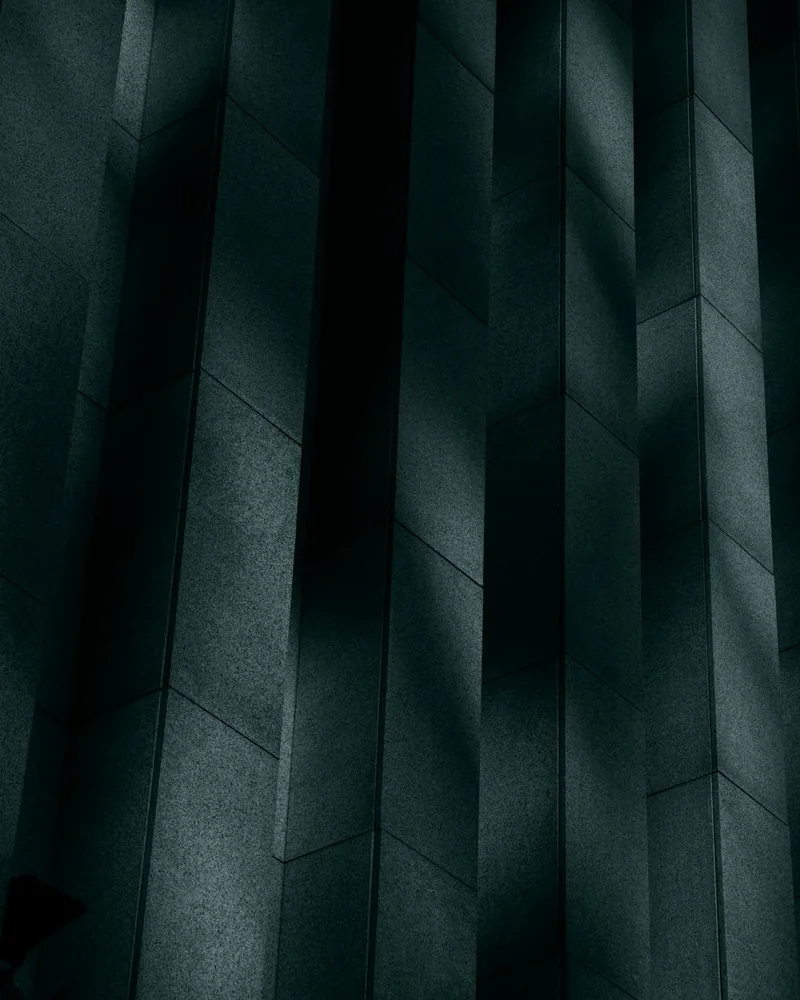
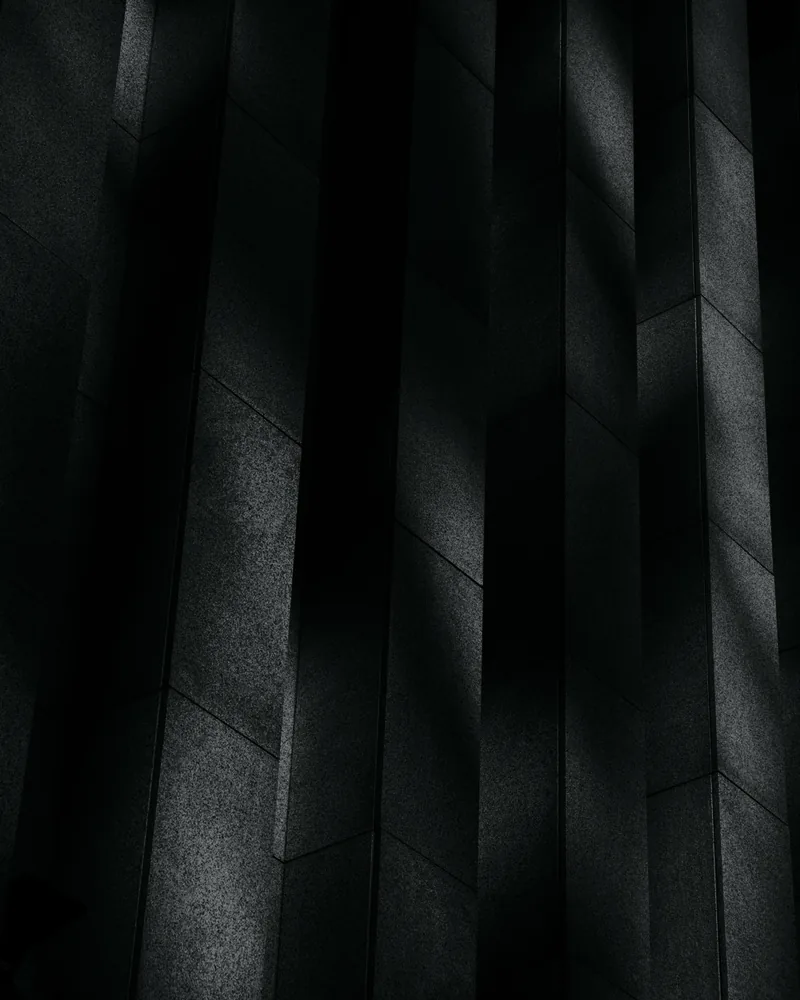
A real before-and-after from this filter

This example uses the same starting preset loaded in the editor above at 82% strength. Compare the source and processed files before testing the look on your own photo.

Tall concrete wall panels catch narrow bands of light in a minimalist architectural scene.
Original
The concrete architecture rendered in Acros-style black and white with separated gray tones and crisp texture.
Filtered result

Turn color into separated, readable gray

  1. 01

    Choose a frame carried by light or shape

    Side light, gesture, texture, architecture, fog, and simple geometry usually survive the loss of color better than scenes separated only by hue.

  2. 02

    Compare Acros with different responses

    Start with Acros, then try the red-filter version for skin and sky, or compare Tri-X and T-Max for rougher or cleaner texture.

  3. 03

    Inspect subject-to-background separation

    Drag the divider across both areas. If they collapse into the same gray, choose another response or keep the photograph in color.

Questions worth answering first

FilmFX is independent and is not affiliated with or endorsed by Fujifilm, Kodak, or another film manufacturer. Brand names are used descriptively, and browser results can differ from camera output.

What does a Black and white filter online look do to a photo?+

This filter converts color relationships into a shaped grayscale range, then adds film-like contrast and fine grain. It is designed to preserve separation between important tones instead of applying a flat desaturation layer.

Why do two different colors sometimes become the same gray?+

A black-and-white conversion maps color to brightness. Two hues that looked separate can share a similar luminance, so the chosen response must preserve enough tonal distance for the subject.

Can I return to the color original after trying black and white?+

Yes while editing: the source image remains unchanged and the comparison view keeps it available. Export creates a new processed file rather than overwriting the original.