FilmFX

Cinematic photo filter online

Cinematic photo filter online, built around the light you have.

Muted color, gentler highlights, and shadows with enough weight to hold a scene together. The default Eterna-inspired treatment stays quieter than a one-click teal-and-orange effect.

Changes show up liveYour photo stays on your deviceTry the sample photo

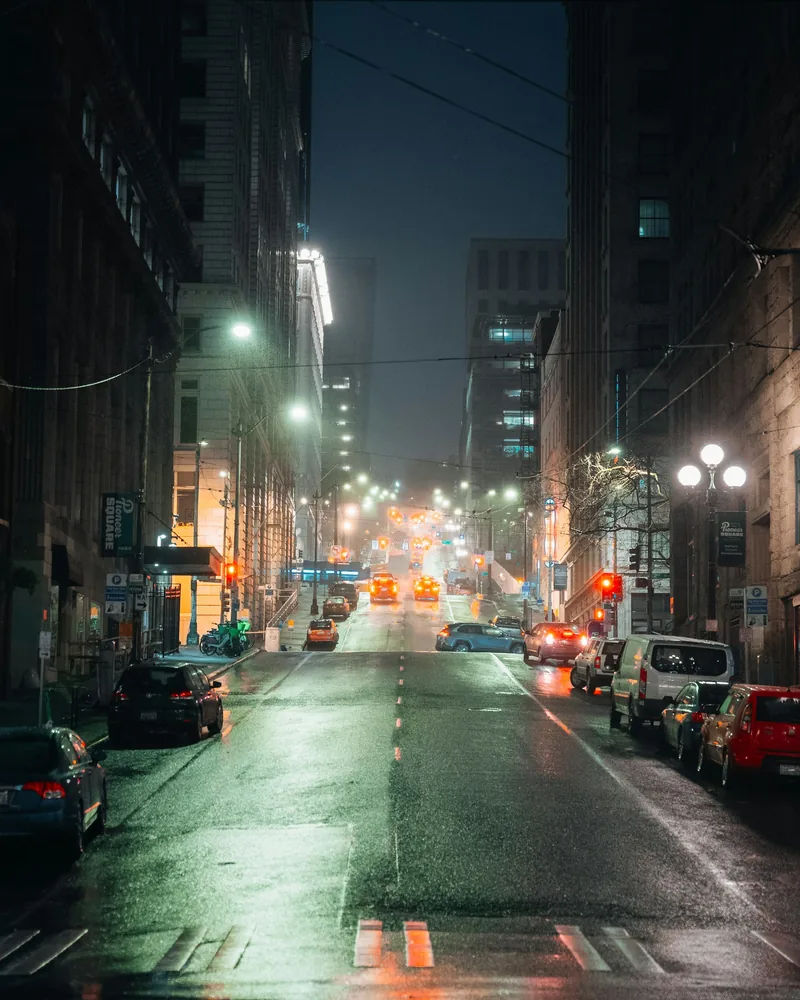
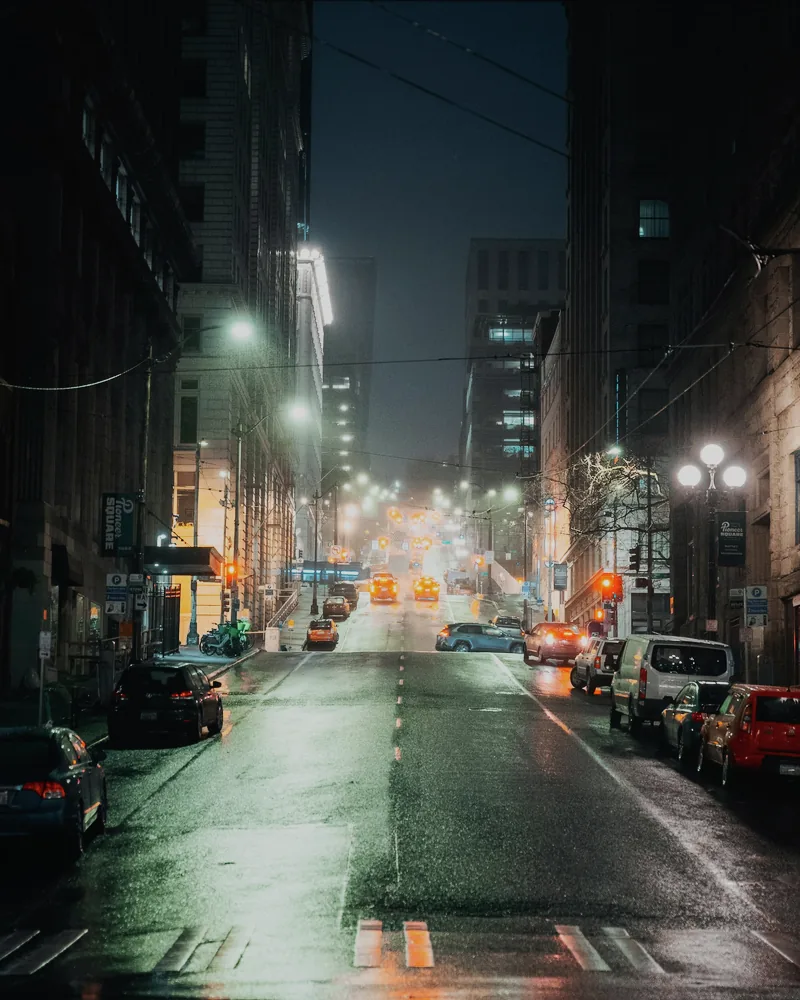
Cinematic color cannot replace cinematic light.

Film stills feel coherent because wardrobe, location, exposure, production design, and color all point in the same direction. A filter only touches the last part. It works best when the photograph already has a clear light source and a deliberate relationship between subject and background.

Start with the restrained Eterna-inspired recipe, then compare daylight and tungsten options in the Cinema category. Watch neutral walls and practical lamps: if every shadow becomes blue and every light turns orange, the grade is announcing itself too loudly.
A simple way to use this filter

  1. 01

    Choose a familiar frame

    Use a photo whose skin tones, whites, and shadows you already know. It makes color shifts easier to judge.

  2. 02

    Start below full strength

    Try roughly 70–80%, then drag the comparison line across faces, highlights, and the darkest important detail.

  3. 03

    Export for where it will live

    Choose JPG, PNG, or WebP, keep sRGB for the widest compatibility, and use Display P3 only when your browser and destination support it.

Questions worth answering first

FilmFX is independent and is not affiliated with or endorsed by Fujifilm, Kodak, or another film manufacturer. Brand names are used descriptively, and browser results can differ from camera output.

What does a Cinematic photo filter online look do to a photo?+

A restrained cinematic filter softens highlight transitions, shapes shadows, and simplifies color so the frame reads as one scene. The selected look is muted and neutral enough to work with daylight, while the category also includes stronger tungsten and bleach directions.

Does FilmFX upload my photo?+

No. The editor processes pixels locally in your browser. Your photo is not sent to FilmFX or stored on our servers.

Is the editor free and does it add a watermark?+

The current editor is free, requires no account, and exports without a FilmFX watermark.