FilmFX

Sepia filter for warm brown photographs.

Turn a color photo into brown-toned monochrome. The studio opens with Sepia at full strength; pull the slider back to mix in the original color. No app to install, no photo upload and no watermark.

Try the sample photoYour photo stays on your device

Brown tones, not a yellow layer over a color photo.

At full strength, this sepia photo filter uses the brightness of each pixel to create a warm brown tone. Reds, greens and blues stop acting as separate colors; light and shadow carry the picture instead. Dark tones stay deep and bright areas stay close to neutral, so a white shirt need not turn orange.

At 100% the sepia treatment replaces color with brown tonal values; at lower strength some original color remains. Check white clothing and bright walls before saving so the warm tint does not obscure their detail. For a finished keepsake, add a paper border and caption with the frame tool. Its print-size exports include 300 ppi metadata; the filter itself cannot restore an old damaged photo.


Check the effect on different subjects

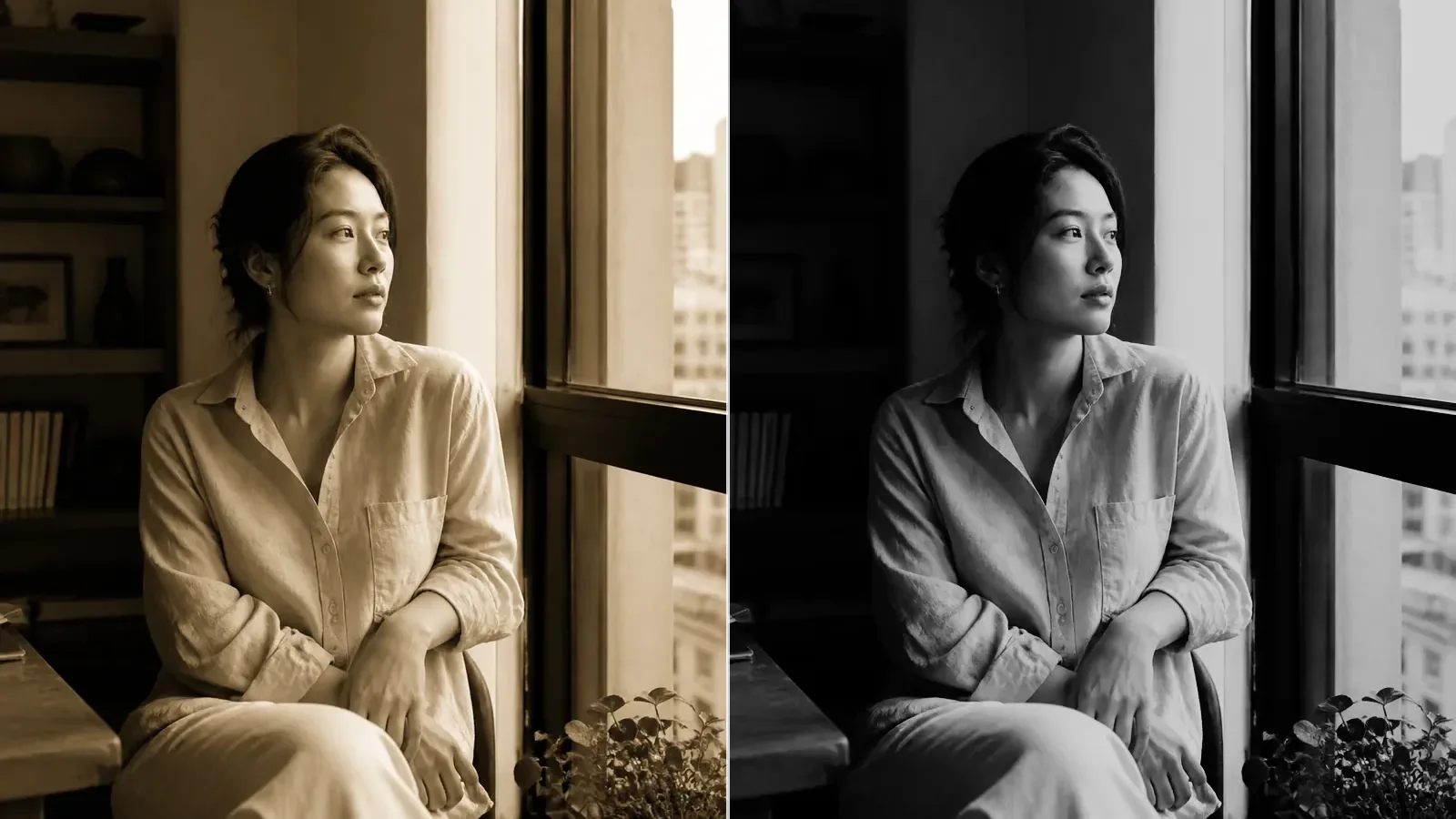
Sepia at 100% removes the original colors while keeping the face and linen separated by tone. These are actual FilmFX renders, not CSS overlays.

A woman in a pale linen shirt sits beside a bright apartment window in soft daylight.
Original
The same window portrait rendered in brown monochrome with Sepia at 100%, without extra grain or vignette.
Filtered result

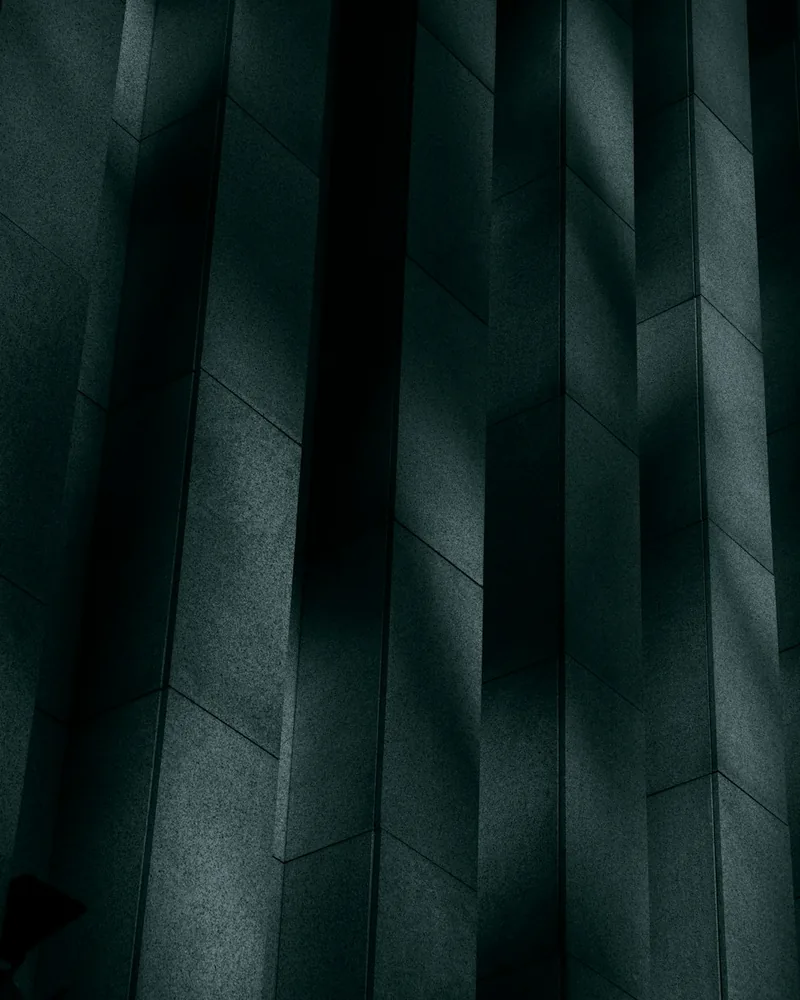
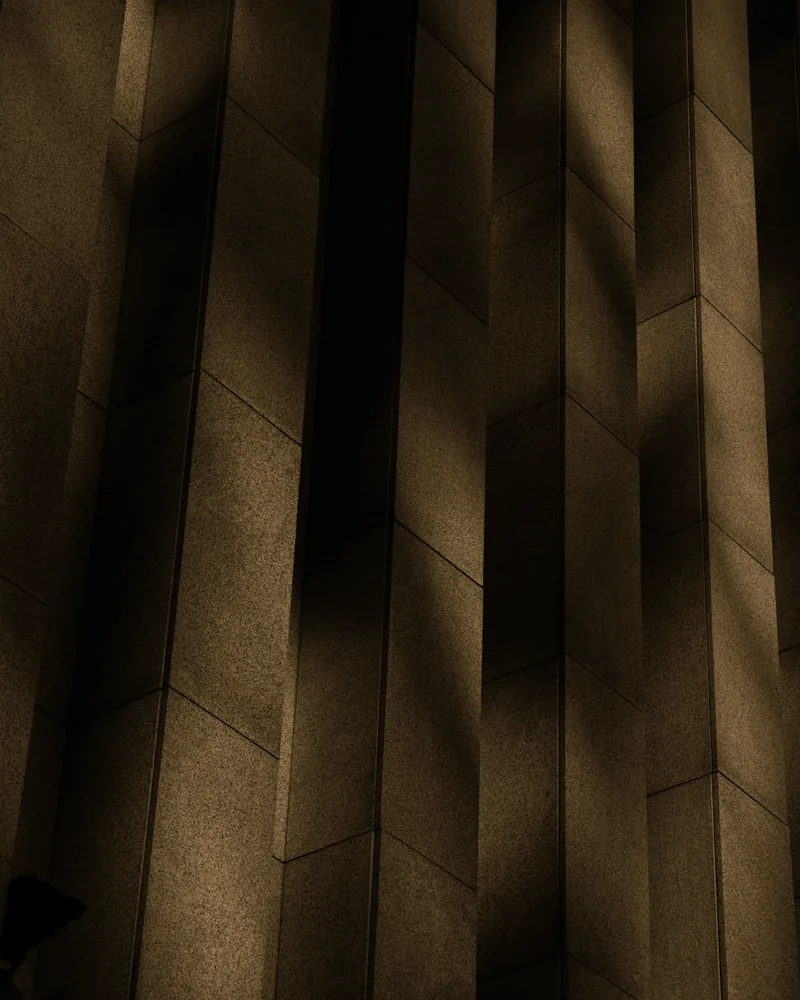
Concrete and narrow bands of light

The brown treatment changes the mood, but the building still depends on the existing shadow and texture. No grain or vignette has been added.

Concrete wall panels catch narrow bands of daylight across a minimalist building.
Original
The same concrete panels in warm brown sepia tones, retaining the existing bands of light and deep shadows.
Filtered result

A colorful coastal scene

At 100%, the blue water and colored chairs become tones of brown. This is where a lower strength or a color-preserving vintage look may suit the photograph better.

Empty cafe chairs face a blue bay and white coastal buildings in a colorful travel photograph.
Original
The coastal cafe at full Sepia strength, with blue water and colorful chairs replaced by brown tones.
Filtered result

Choose the next step for this image

Keep editing the photo, or use a separate tool when you need a texture file, a paper frame or several finished images.

Apply a sepia effect in three steps

  1. 01

    Choose your photo

    Upload or drop a JPG, PNG, WebP, AVIF, HEIC or HEIF photo. Processing stays in your browser. Start with the sample if you just want to compare.

  2. 02

    Set the brown tone

    Keep Sepia at 100% for brown monochrome, or lower Filter strength in the Filters tool to blend back color. Adjust color lets you tune exposure and contrast separately.

  3. 03

    Compare, then download

    Drag the dividing line across faces and bright details. Export a JPG, PNG or WebP. Original size is selected by default, within the 60-million-pixel safety limit.

Read before you edit

Practical guides for this kind of photograph

These notes answer the decisions a preset cannot make for you: what to protect in the source image, how far to push the look, and when a different approach works better.

Questions worth answering first

FilmFX is independent and is not affiliated with or endorsed by Fujifilm, Kodak, or another film manufacturer. Brand names are used descriptively, and browser results can differ from camera output.

What does a Brown monochrome look do to a photo?+

This sepia filter converts the photo to brightness-based brown tones at full strength. It does not simply warm the existing colors. Lower strength blends the original photo back in.

Is sepia the same as black and white or vintage?+

No. Black and white uses neutral gray tones; sepia uses brown monochrome. Vintage describes a broader aged-photo style that can retain faded or shifted colors. Pick the treatment based on what the photo needs, not just its age.

Can I use the sepia filter on my phone without an app?+

Yes, in a supported mobile browser. The photo is processed locally and downloads without a watermark or sign-up. This is an 8-bit SDR edit, not RAW processing or photo restoration. Grain, dates and other adjustments are optional and separate.