FilmFX

Retro photo filter online free

Retro photo filter online free, for snapshots that feel worth finding again.

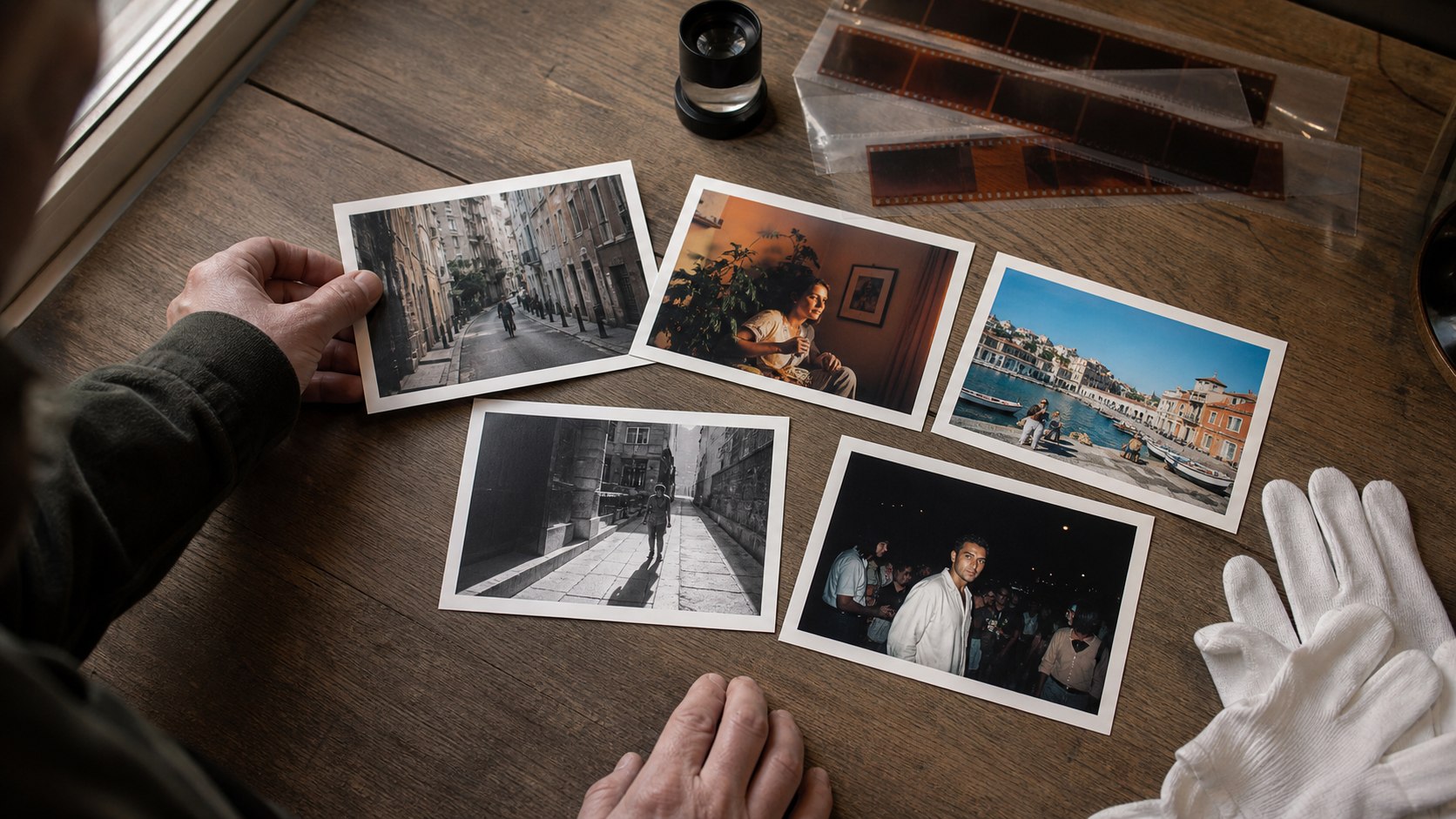
A relaxed mix of softened contrast, warm paper-like color, and slightly faded blacks for holiday snaps, ordinary afternoons, and photographs that should feel remembered rather than styled.

Changes show up liveYour photo stays on your deviceTry the sample photo

Retro works best when the memory stays clearer than the effect.

A retro photograph does not need to imitate one exact decade. The useful clues are more familiar: modest color separation, highlights that do not feel clinical, blacks that have softened with time, and warmth that resembles a small print kept in a drawer.

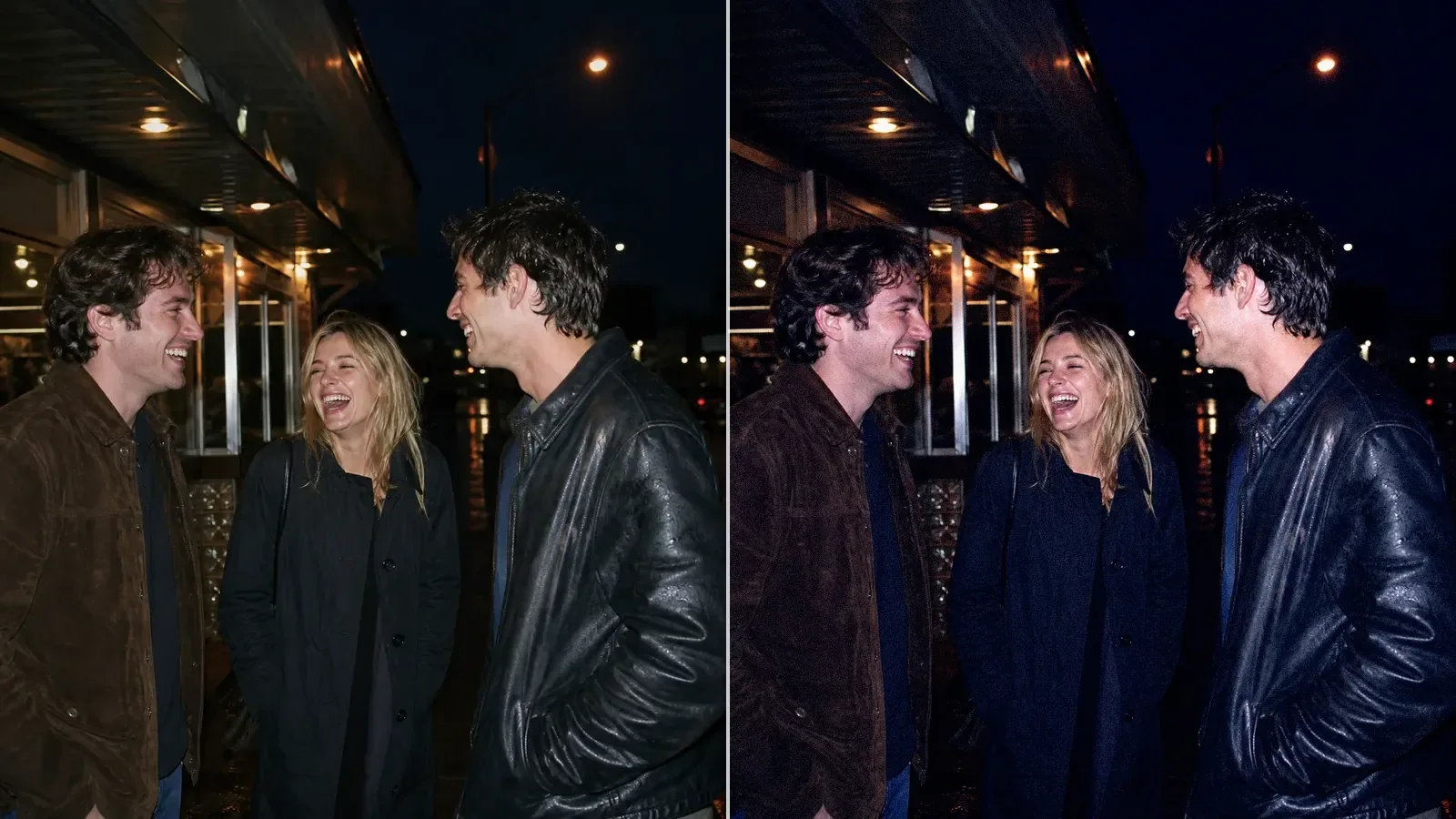
Instant Fade is the starting point here because it changes the emotional temperature without covering the subject. Compare it with Expired Color when you want stranger color, or Pocket Flash when the frame needs the blunt energy of a compact camera.
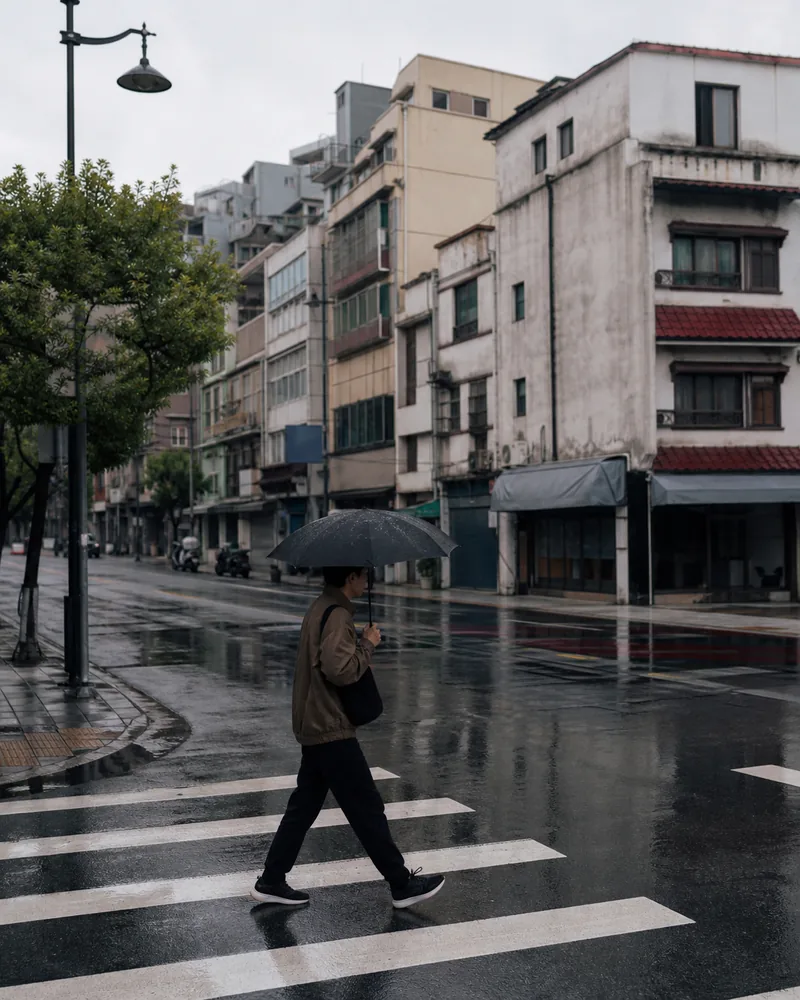
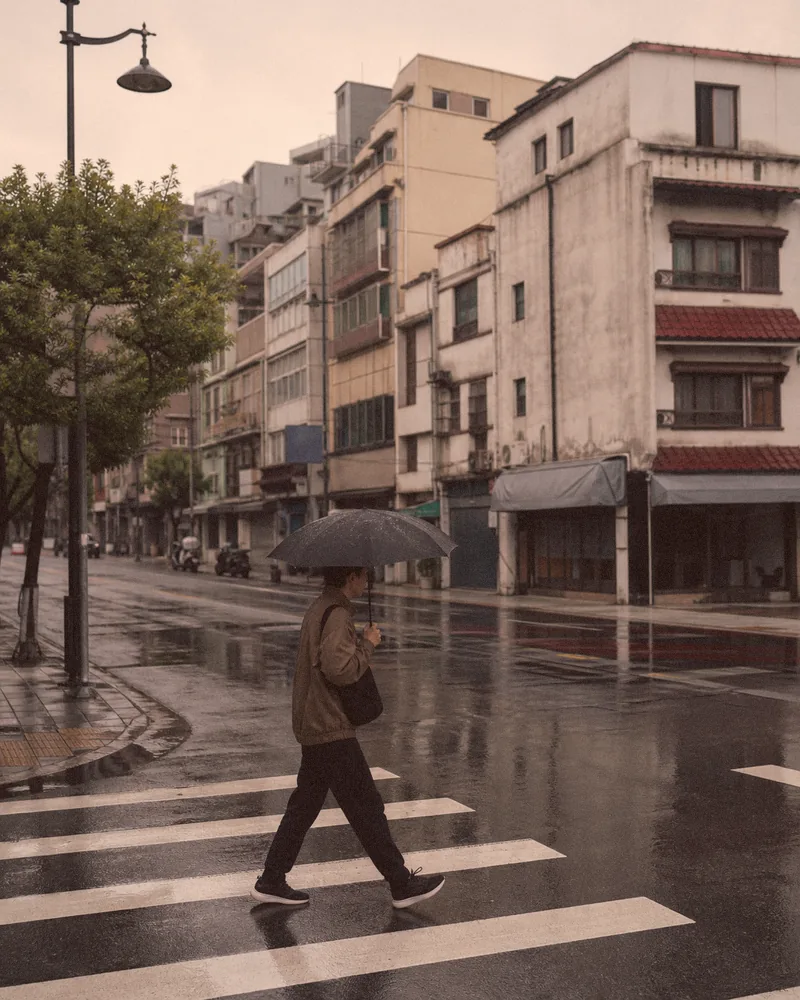
A real before-and-after from this filter

This example uses the same starting preset loaded in the editor above at 82% strength. Compare the source and processed files before testing the look on your own photo.

An umbrella-carrying pedestrian crosses a glossy wet street beneath a gray sky.
Original
The same rainy street after a warm, faded retro snapshot treatment with nostalgic color.
Filtered result

Give a snapshot a remembered, not damaged, feeling

  1. 01

    Begin with a familiar moment

    Travel snapshots, family tables, and unplanned afternoons already carry the ordinary detail that makes a retro treatment feel personal.

  2. 02

    Choose one kind of nostalgia

    Start with Instant Fade, then compare Expired Color for stranger drift or Pocket Flash for compact-camera energy. Do not stack every cue mentally.

  3. 03

    Keep the subject clearer than the era

    Lower the intensity when warmth or lifted blacks begin hiding faces, gestures, or place. Export once the memory leads and the effect follows.

Questions worth answering first

FilmFX is independent and is not affiliated with or endorsed by Fujifilm, Kodak, or another film manufacturer. Brand names are used descriptively, and browser results can differ from camera output.

What does a Retro photo filter online free look do to a photo?+

It softens digital contrast, warms or shifts color, lifts the darkest tones slightly, and adds restrained texture. The aim is the feeling of a rediscovered snapshot, without automatically adding scratches, borders, or date graphics.

What is the difference between the retro and vintage pages?+

Retro focuses on the familiar feeling of older snapshots and compact prints. Vintage leans more specifically into material aging cues such as faded blacks and unstable color.

Does FilmFX add dates, borders, or fake print damage?+

No. The retro recipes change tone, color, texture, and vignette only. They leave decorative dates, frames, scratches, and dust out of the image.